01No app store required
Install it from your browser.
If your browser supports installing progressive web apps, Ambient Notes can stay on your home screen or desktop, ready to open like any other app.
PhonesTabletsComputers
Local first. Private by design.
Ambient Notes is a calm, tactile home for private sticky notes that work offline. Start without an account, pin what matters, then sync your encrypted space when you choose.
 Native iPhone and iPad appComing to the App Store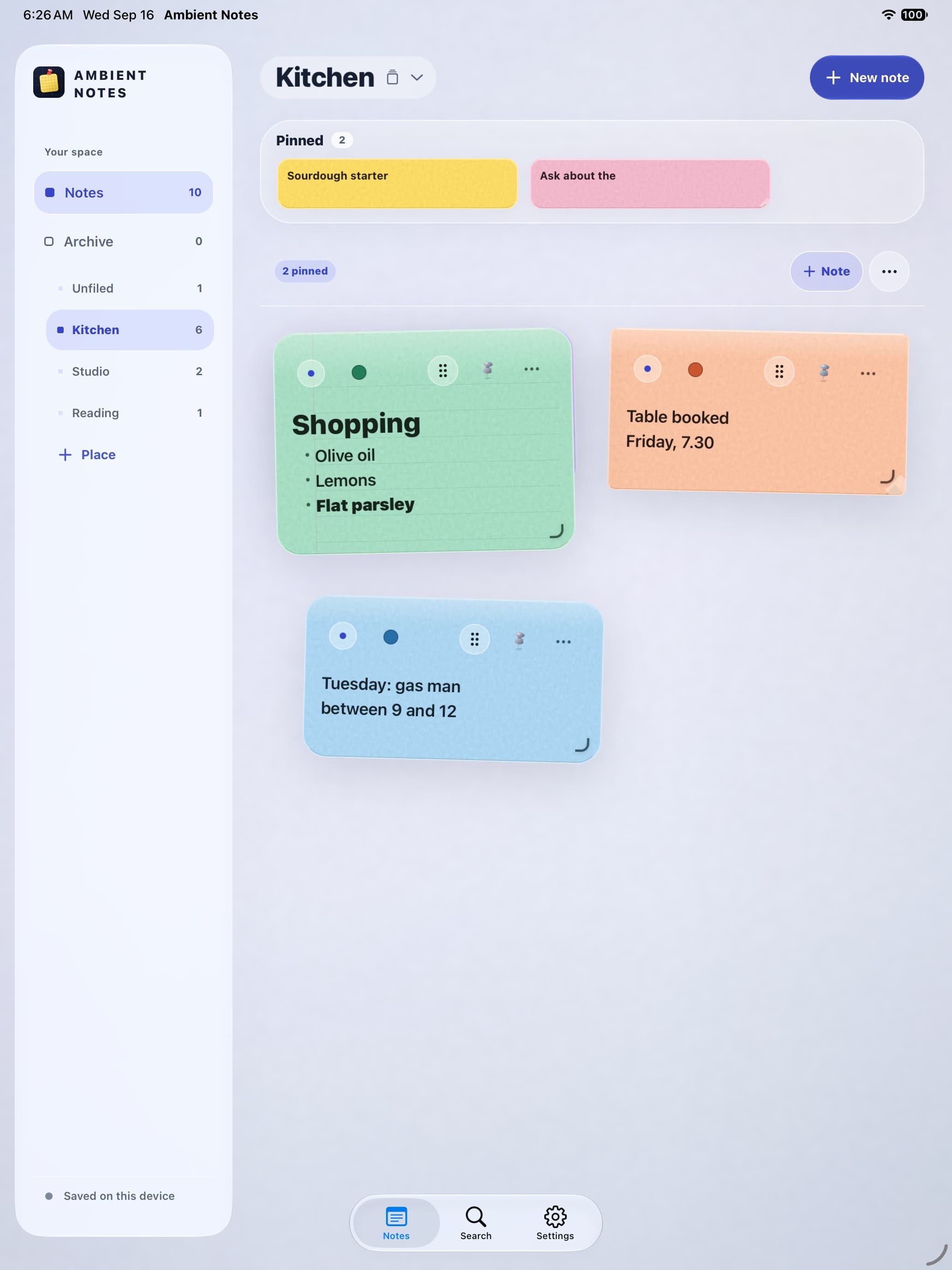
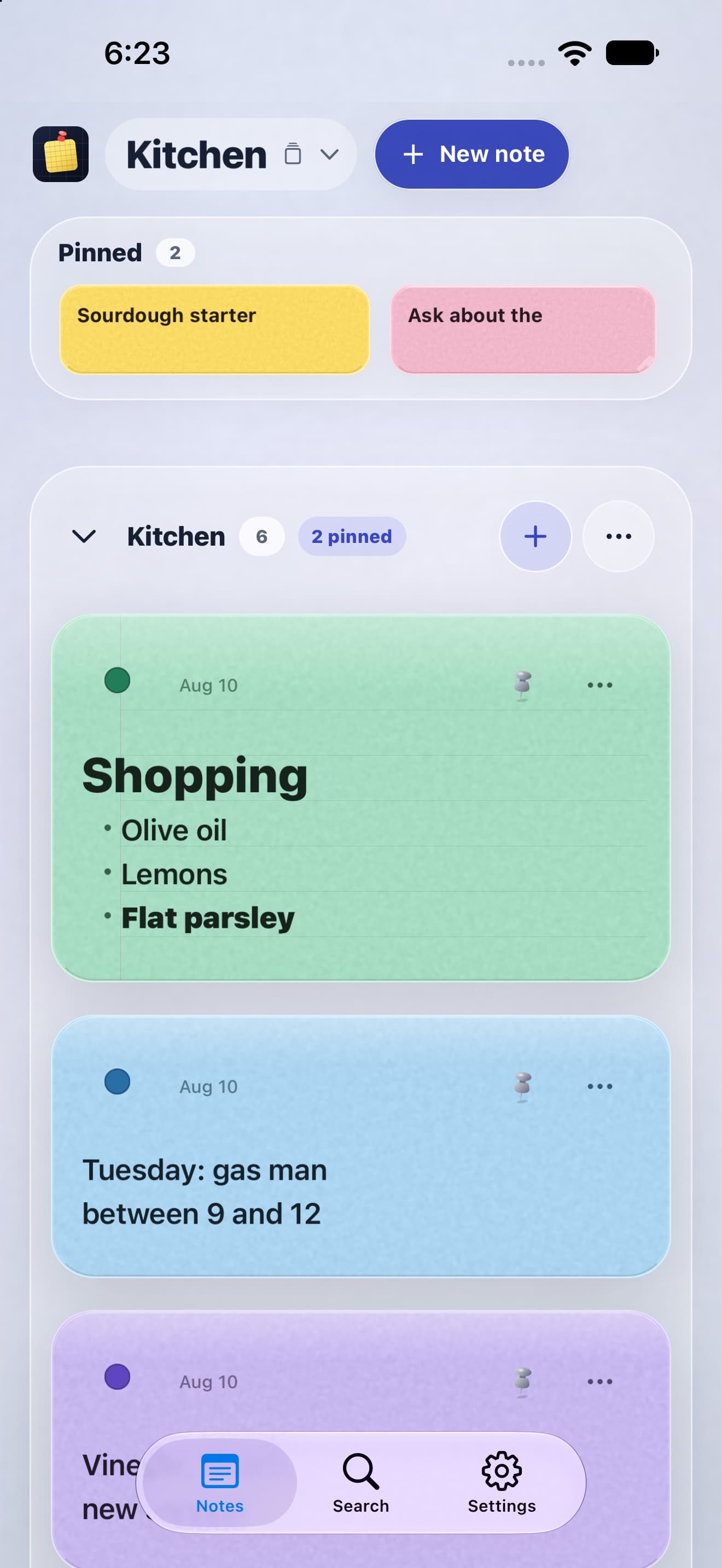
Installable progressive web app
Install it from a supported browser on phones, tablets, and computers. It opens in its own window, works offline, and feels at home on more than just Apple devices.
Open and install the web appIf your browser supports installing progressive web apps, Ambient Notes can stay on your home screen or desktop, ready to open like any other app.
Already use Ambient Notes with Sign in with Apple? Sign in with the same Apple Account on the web, then approve the browser from your iPhone or iPad. Your encrypted private space can sync there too.
Sign in confirms it is you. A device that already holds your key grants this browser access.
Notes, not overhead
A shopping list, a line from a book, the detail you will need next Tuesday. Ambient Notes keeps ordinary thoughts visible without asking you to build a second job around them.
Inside Ambient Notes
Paper and color
Go soft, sticky, lined, or graph. Give each note a color that makes it easy to recognize when you come back.
Butter · Lined paper
Capture and pin
Notes save to your device first, so writing stays instant even without a connection. Pin the few that should remain above the rest.
Places, not folders
Keep notes in Kitchen, Studio, Reading, Trips, or any place that makes sense to you. Search across everything when you remember the thought but not where you left it.
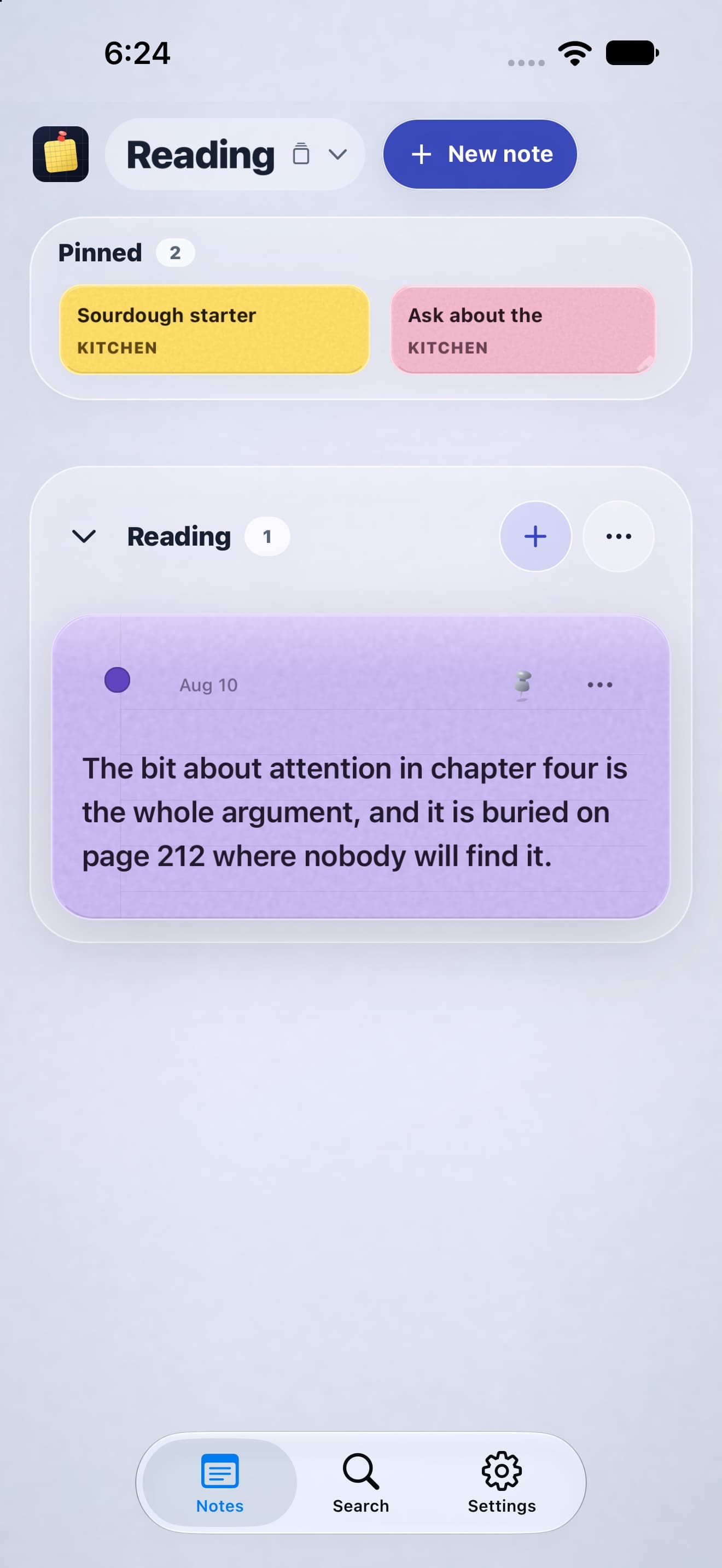
Share one note
Send a link to one note and edit it together in real time. They can join from a browser, and the rest of your space stays yours.
Private by design
Your first note needs no account or connection. If you choose to sync, your note content is encrypted on your device before it leaves.
Good to know
Start locally, install when it helps, and add private sync only when you want it.
Yes. The web app is available now and can be installed from supported browsers. The native iPhone and iPad app is coming to the App Store.
No. You can start writing locally without an account. Sign in with Apple is optional and becomes useful when you want to claim and sync your private space.
Yes. After the web app has loaded once, your notes stay available on the device and writing continues offline. Changes can sync when a connection returns.
Open the web app, then use your browser's Install app or Add to Home Screen option. The installation guide above shows the steps recommended for your current device.
Sign in with the same Apple Account you use on your Apple devices, then approve the browser from an iPhone or iPad that already has access. Note content is encrypted on your device before it syncs.
Yes. Ambient Notes is an installable progressive web app for supported browsers on phones, tablets, and computers, including Android devices.
Your thoughts, within reach
Open or install Ambient Notes from a supported browser today. The native iPhone and iPad app is coming to the App Store.
Coming soon on theApp StoreThe App Store link will activate when the listing is live.
